
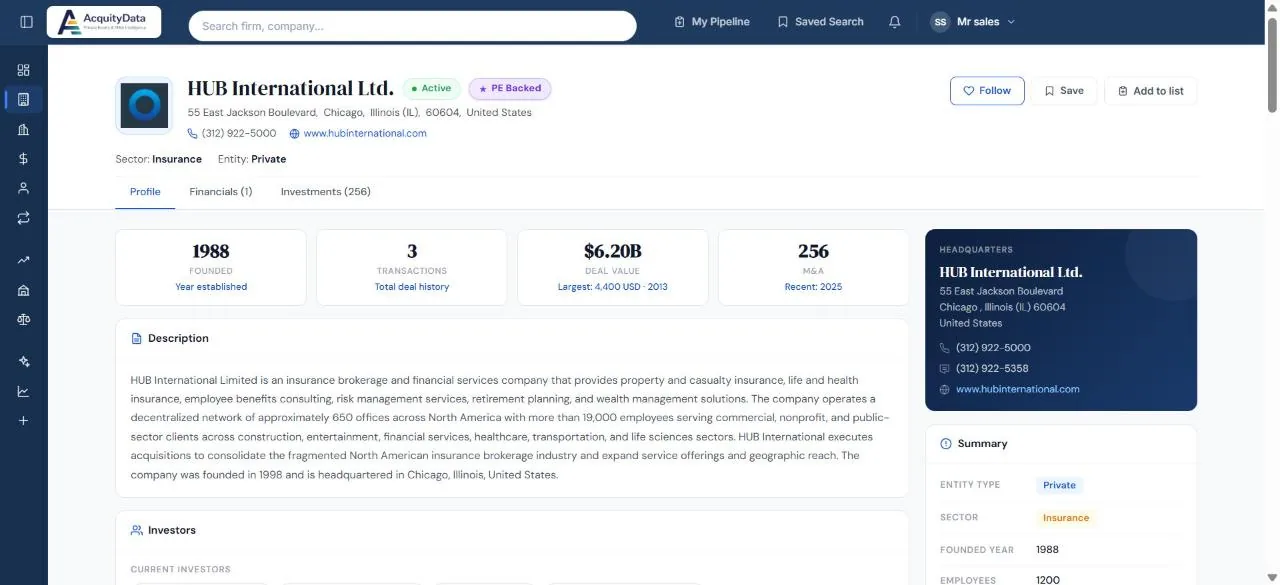
The header
You see the company name, status (for example Active), a PE Backed tag where it applies, its address, phone, website, sector and entity type.
Three buttons sit at the top right:
- Follow: get updates on this company. See Following profiles.
- Save: bookmark the profile under Saved Search.
- Add to list: put it in a My Pipeline list.
Tabs
Profile is the overview. Financials shows revenue data where we have it, and Investments lists the deals. The number in brackets is how many records each tab holds.
Headline numbers
Four cards give you the year founded, the number of transactions, total deal value (with the largest deal underneath) and the number of acquisitions the company has made.
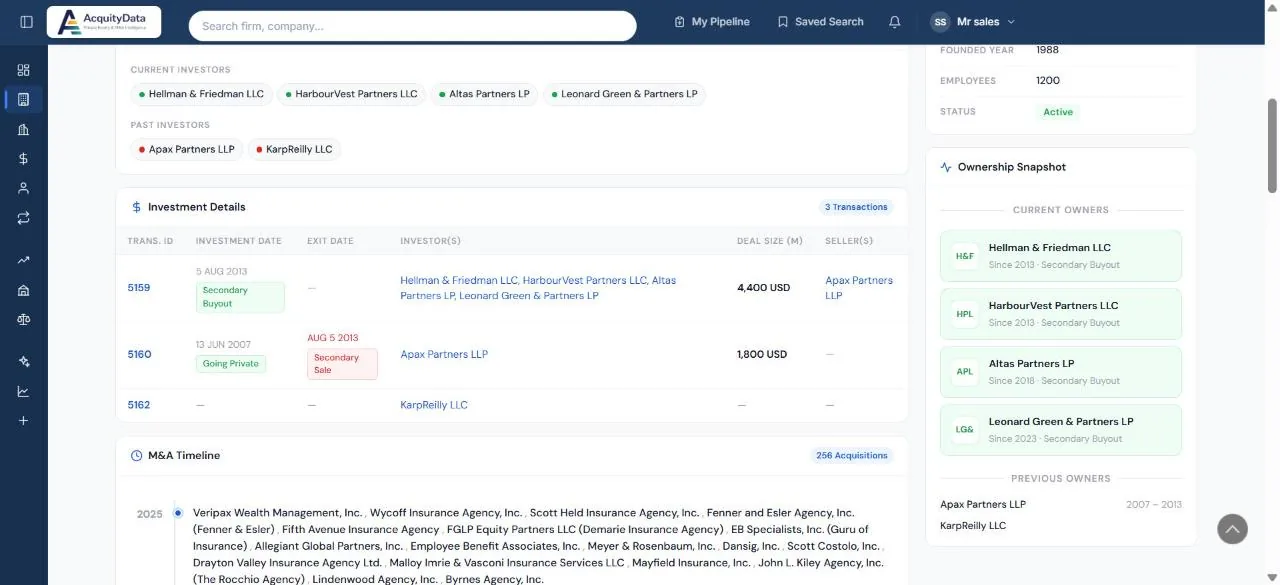
Ownership
- Investors lists current investors (green dot) and past investors (red dot).
- Investment Details is the deal table: transaction ID, investment date, exit date, investors, deal size in millions, and sellers. Click a transaction ID for the full deal page.
- Ownership Snapshot shows current owners with the year they came in and how, and previous owners with their holding period.
M&A Timeline
For companies that make acquisitions, the timeline lists every company they bought, year by year.